
Transform Your Worship Services with QuickVerse
Real-time scripture detection and transcription that captures every word of your sermon. Help your congregation follow along with instant verse displays and intelligent scripture search.
Subscribe to Our Newsletter & Get a Free Trial
Join our newsletter to stay updated with the latest features and get exclusive access to a free trial of QuickVerse. Be the first to know about new updates, tips, and church technology insights.
By subscribing, you agree to receive email updates. Unsubscribe at any time.
Experience QuickVerse
Watch our product animation and see QuickVerse in action during a live worship service.
Product Animation
QuickVerse in Action
Powerful Features for Modern Worship
QuickVerse combines cutting-edge AI technology with intuitive design to enhance every aspect of your sermon delivery.
Live Transcription
Captures audio directly from the preacher and displays sermon text instantly within 0.5 milliseconds.
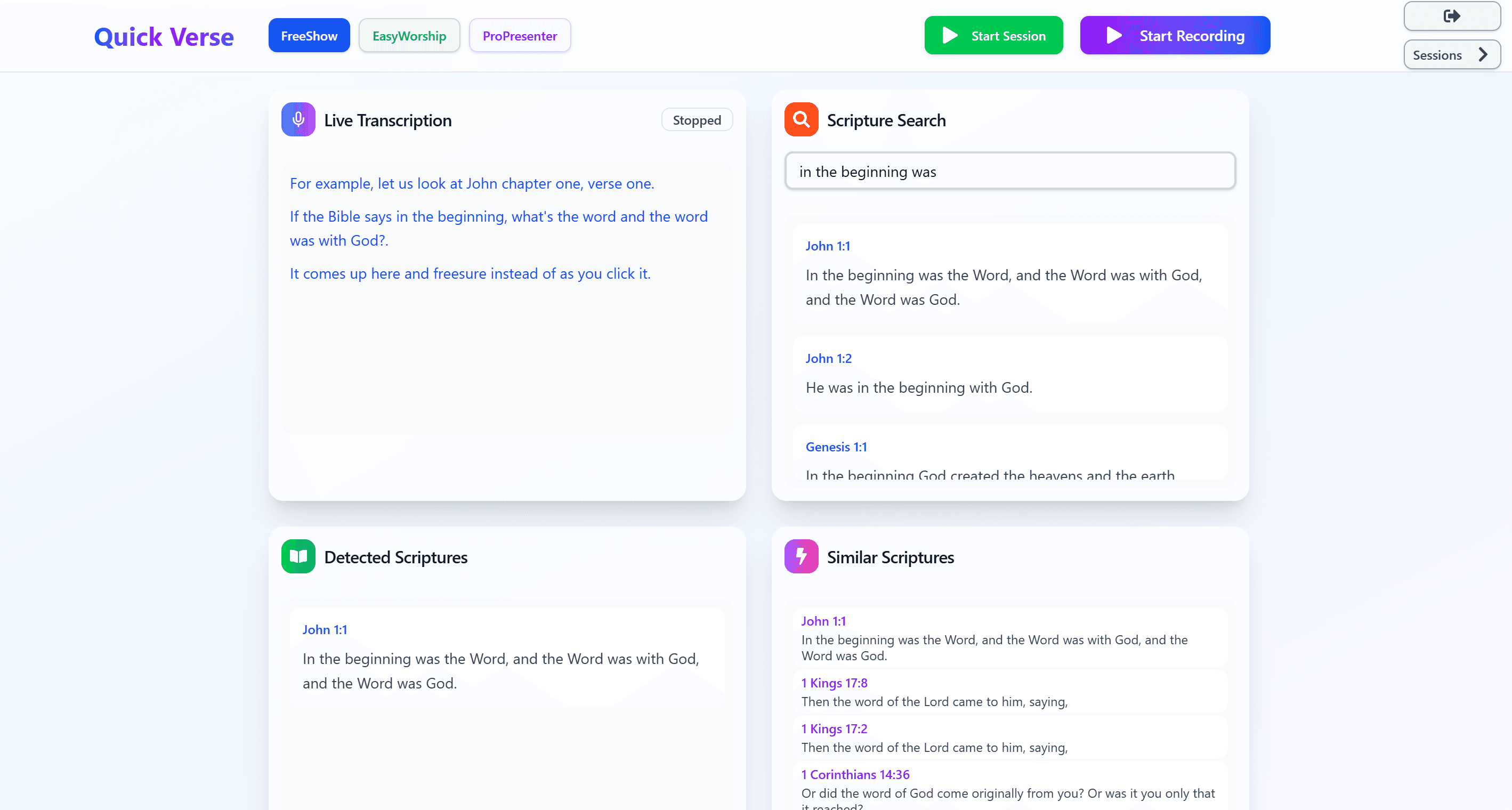
Scripture Search
Type a reference like "John 3:16" or a phrase like "For God so loved" to instantly find verses and related scriptures.
Detected Scriptures
Automatically detects scripture references mentioned during the sermon and displays verses in real-time.
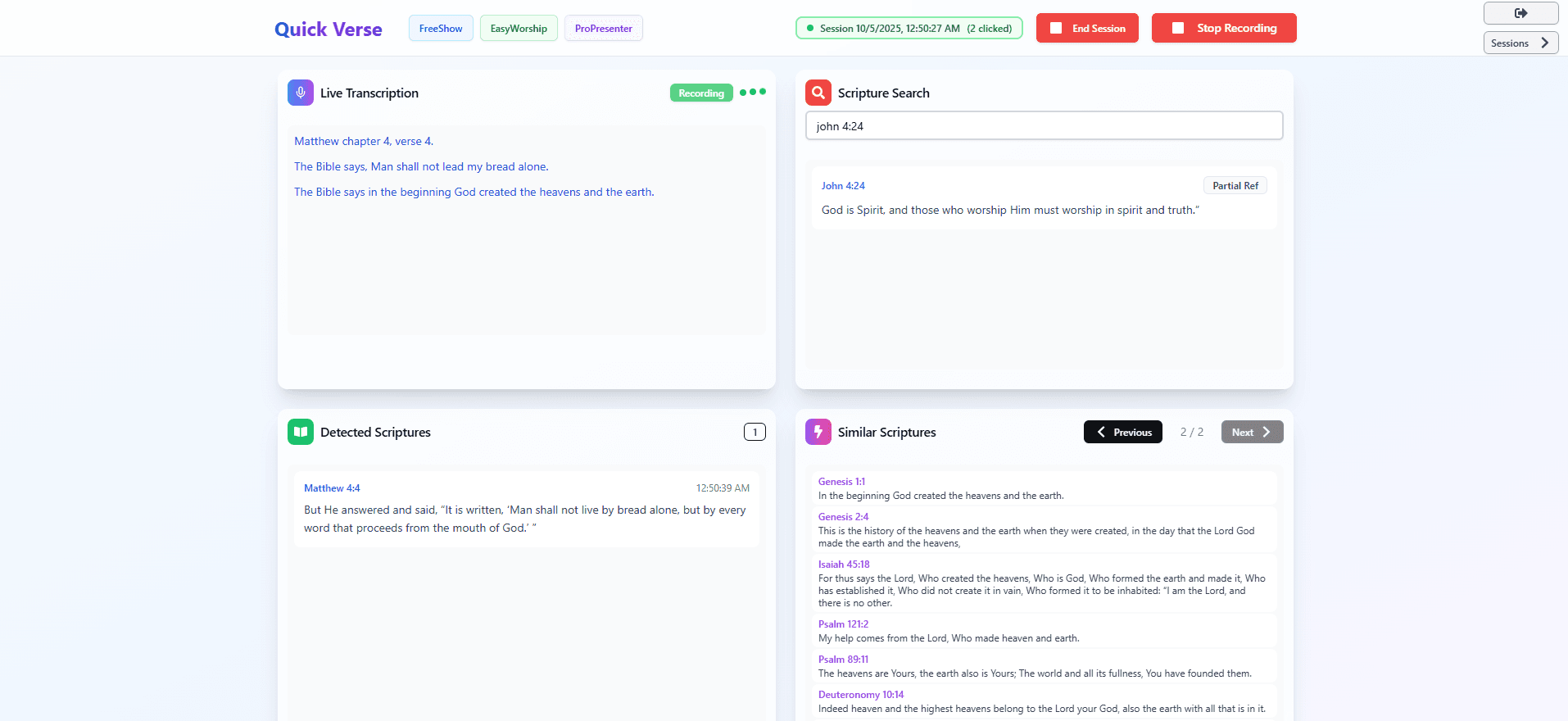
Similar Scriptures
Intelligently finds and displays related verses when the preacher references biblical themes or concepts.
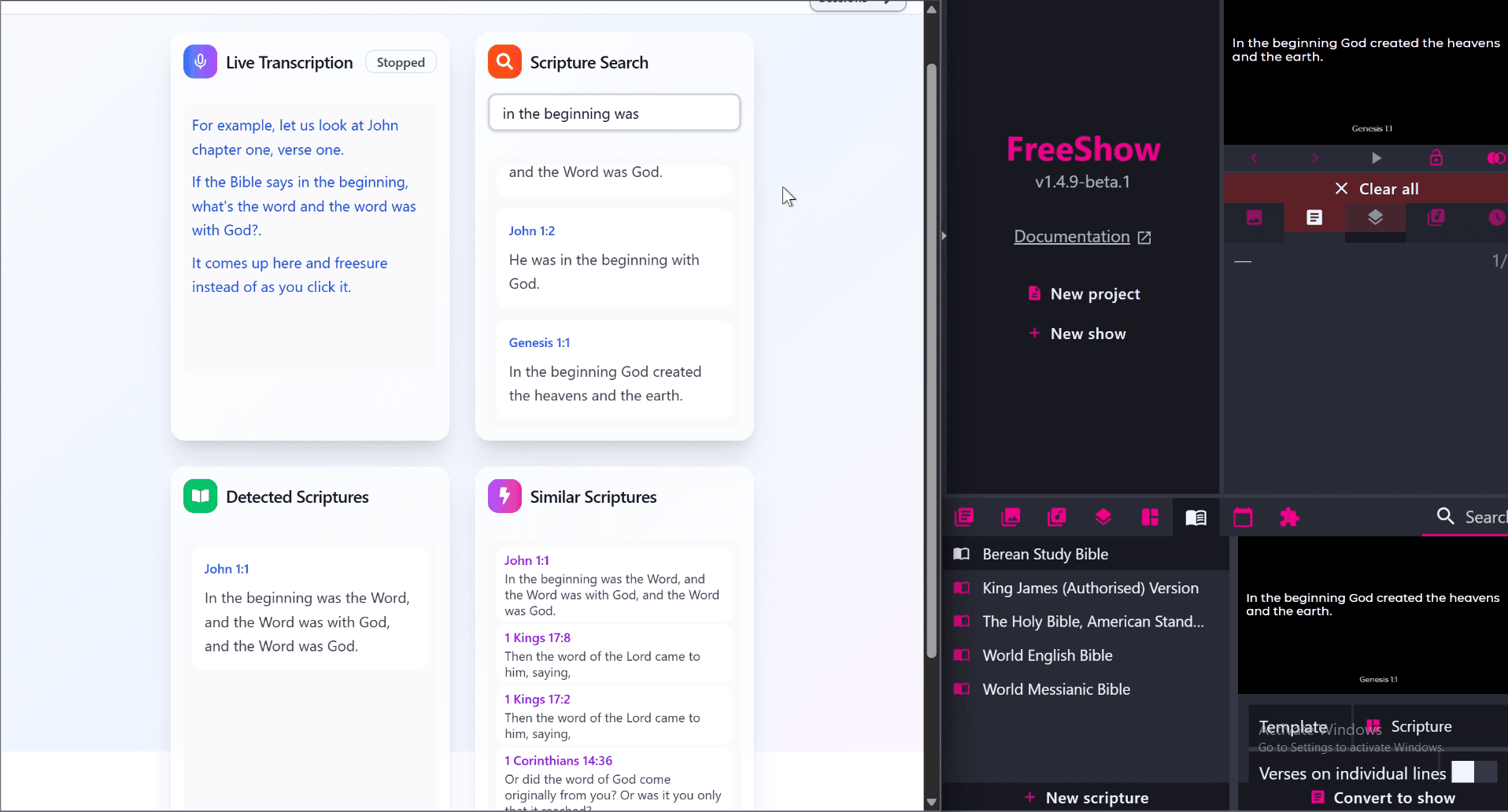
Presenter App Integration
Works seamlessly with FreeShow, EasyWorship, and ProPresenter. Display detected scriptures directly on your presentation slides in real-time.
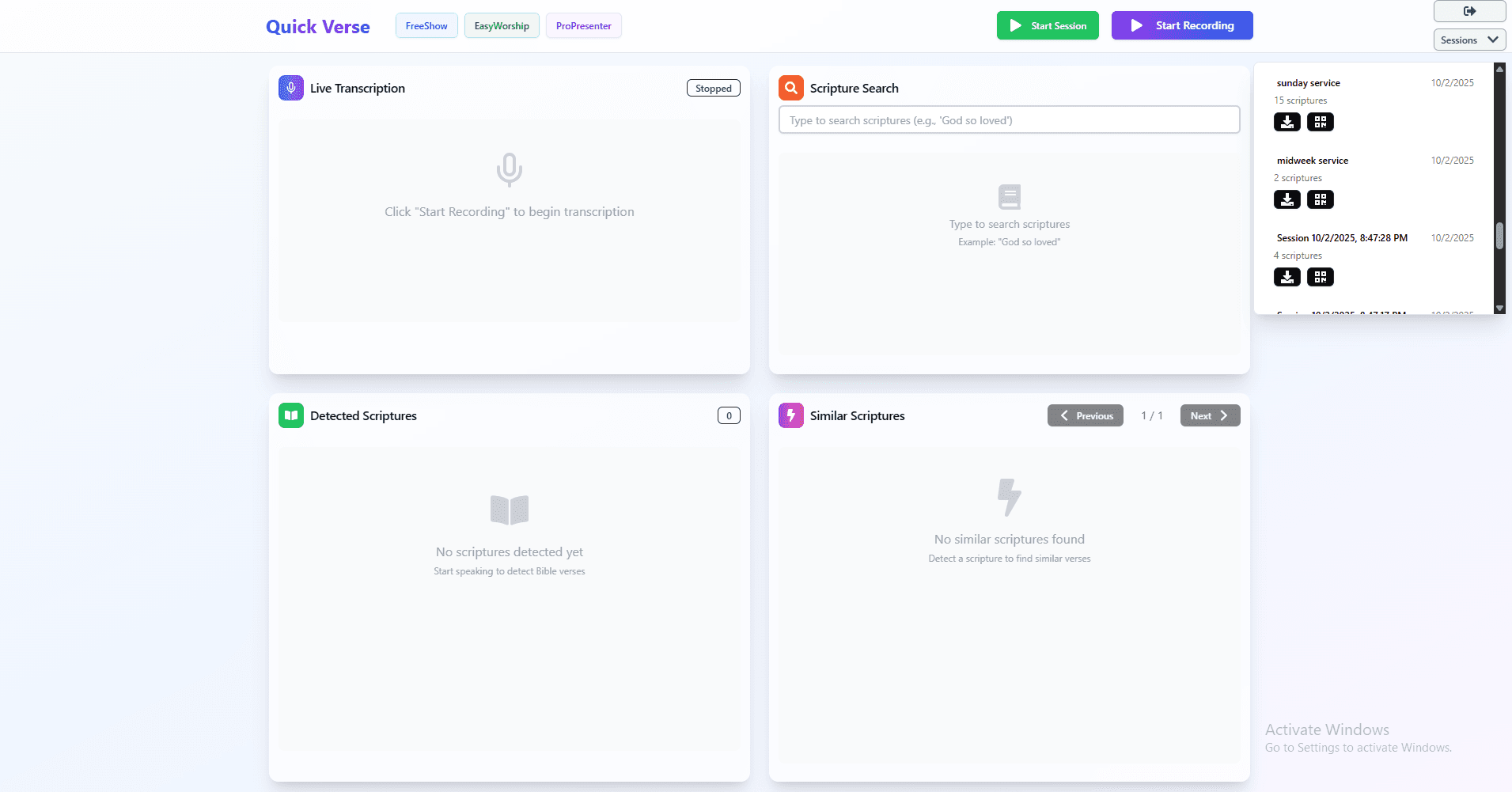
Service Scriptures & Notes
View all scriptures used during your service with complete transcriptions. Upload and attach images, notes, and sermon materials for comprehensive service documentation.
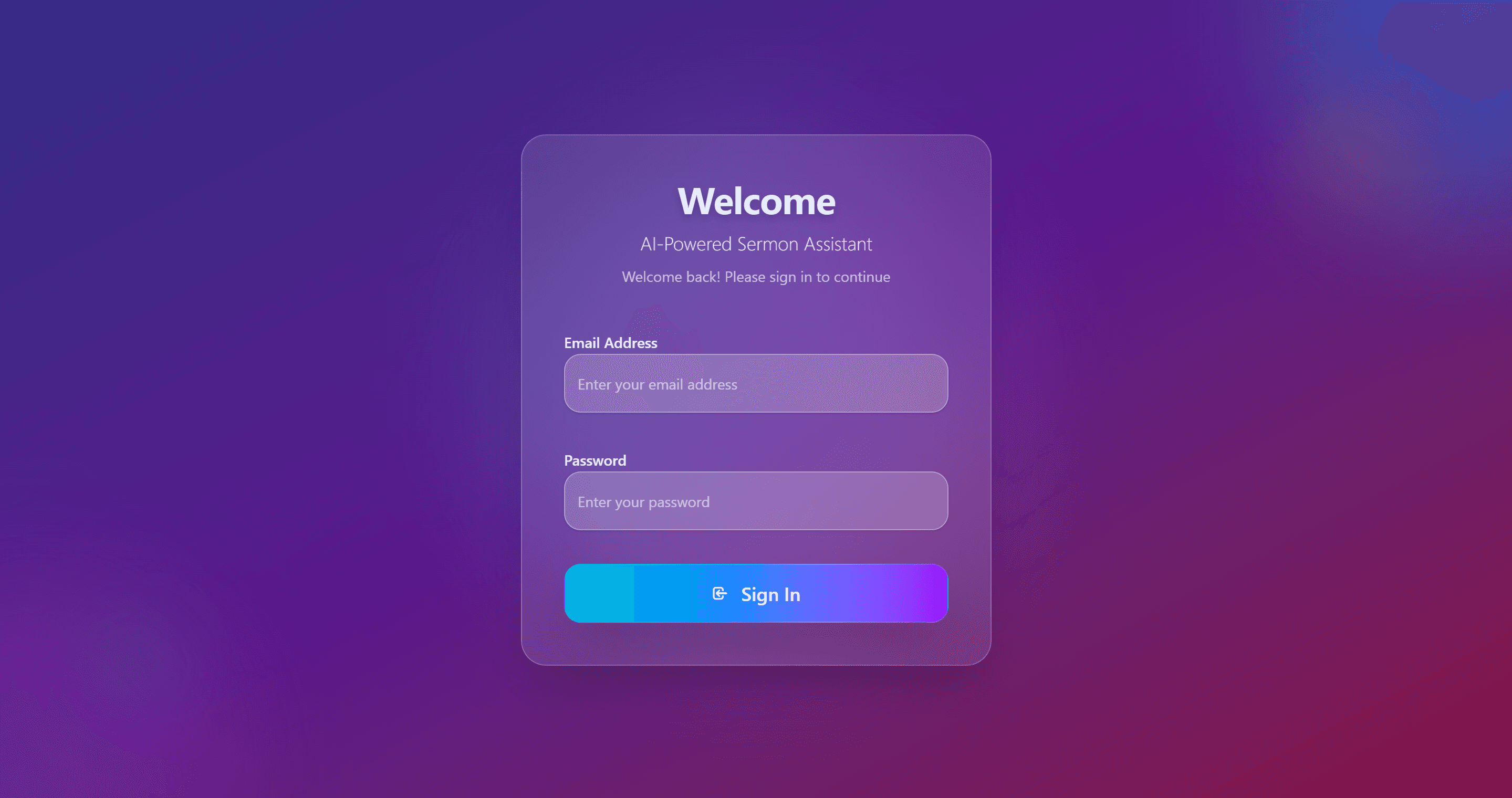
Secure Login
Access your personalized sermon assistant with secure authentication. Keep your sermons and transcripts safe.
How to Use QuickVerse
Get started with QuickVerse in minutes. Follow these simple steps to transform your worship services.
Best Practices
- Create a session with your sermon title
- Search for key verses you plan to use
- Click verses to save them to your session
- Connect your presentation software (FreeShow, EasyWorship, or ProPresenter)
- Start recording before you begin speaking
- Speak naturally - verses auto-detect
- Click additional verses from 'Similar Scriptures' as needed
- Use manual search for quick verse lookups
- Stop recording when finished
- Review all detected scriptures
- Download session for your records
- End session to save everything
For Better Detection
- • Speak clearly and at moderate pace
- • Pause briefly between sentences
- • Say verse references explicitly
- • Use common verse formats
Troubleshooting
- • Grant microphone permissions when prompted
- • Check audio levels bar (bottom-right)
- • Use manual search if detection fails
- • Ensure presentation software API is enabled
Simple, Transparent Pricing
Everything you need for professional church transcription and scripture detection.
- Unlimited scripture detection
- FreeShow, EasyWorship, ProPresenter integration
- Export transcripts
- Unlimited live transcription
- Advanced scripture detection
- Priority support
- Unlimited user accounts
Ready to Transform Your Worship Services?
Join hundreds of churches already using QuickVerse to enhance their sermon delivery and congregation engagement.
Email Us
support@quickverse.co.uk
Call Us
07535530512
Subscribe to Our Newsletter
Subscribe for free trial access and stay updated with the latest features, tips, and church technology insights.